Canopy Endpoints are created in order to access your Canopies through HTTP calls.
Creating an Endpoint
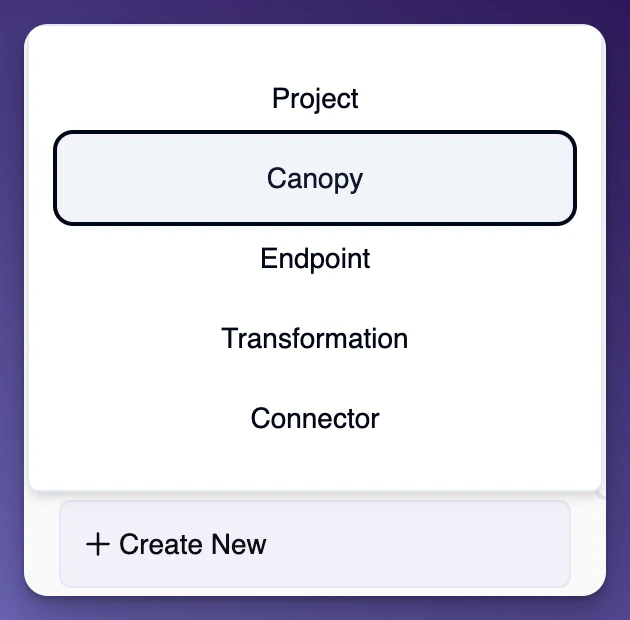
 To start creating an endpoint, under your organizations projects in the left side bar, click on the ”+ Create New” button and select “Canopy” from the dropdown menu.
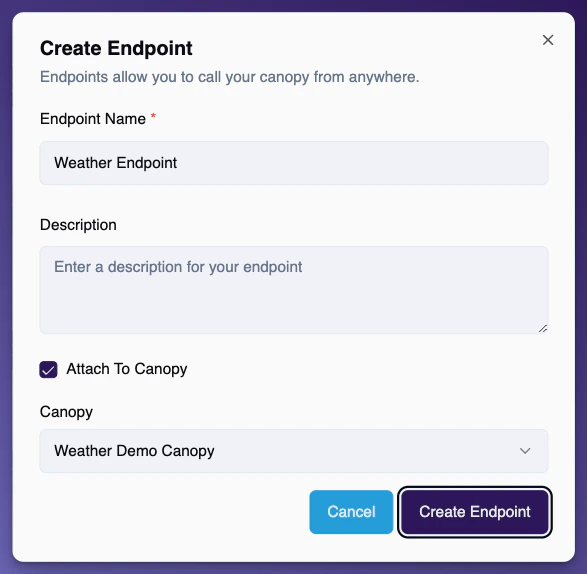
 Click on the button ”+ Create Endpoint”
Give your new Endpoint a name, an optional description, and select the Canopy if there is a Canopy you wish to assign the endpoint to.