Creating a Project
Before you build a Canopy, you will need a Project to organize Canopies in. Under your organizations projects in the left side bar, click on the ”+ Create New” button and select “Canopy” from the dropdown menu.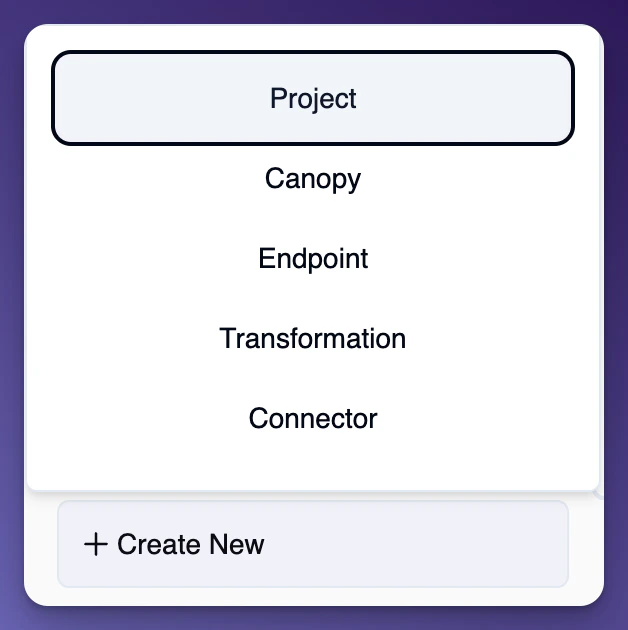
Building Your Canopy
Under your organizations projects in the left side bar, click on the ”+ Create New” button and select “Canopy” from the dropdown menu.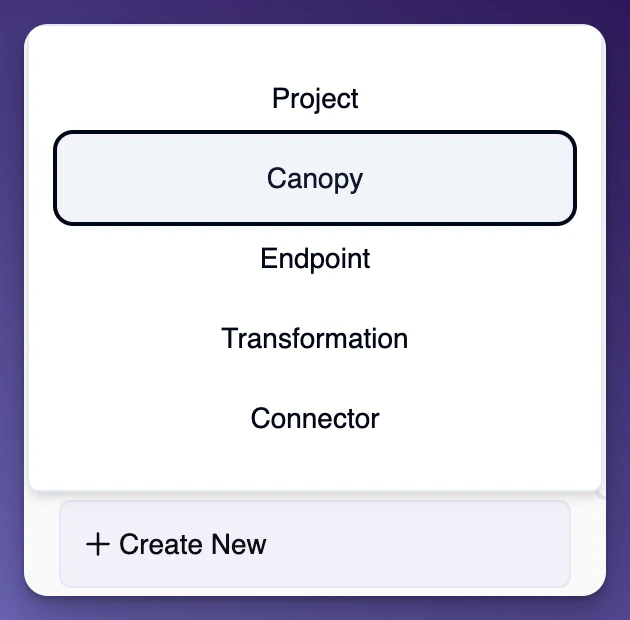

- One or more Connectors - they are attached to your Canopy they are referred to as Connector Instances.
- One or more Transformations - Transformations are used to Transform your Canopy’s final data output. You can also apply Transformations on each Connector Instance, which those Transformations will be applied whent the Connector Instance is called and then the the Canopy Transformation would be applied after.
- One or more Endpoints - Endpoints are used to call your Canopy and return the data to the client you are calling from.
Note You can use the Browse tab to navigate to Projects or Canopies at any time.
Adding a Connector to Your Canopy
To add your first connector to your canopy, click on the “Add Connector Instace to ‘Your Canopy’” button.

Calling Your Canopy
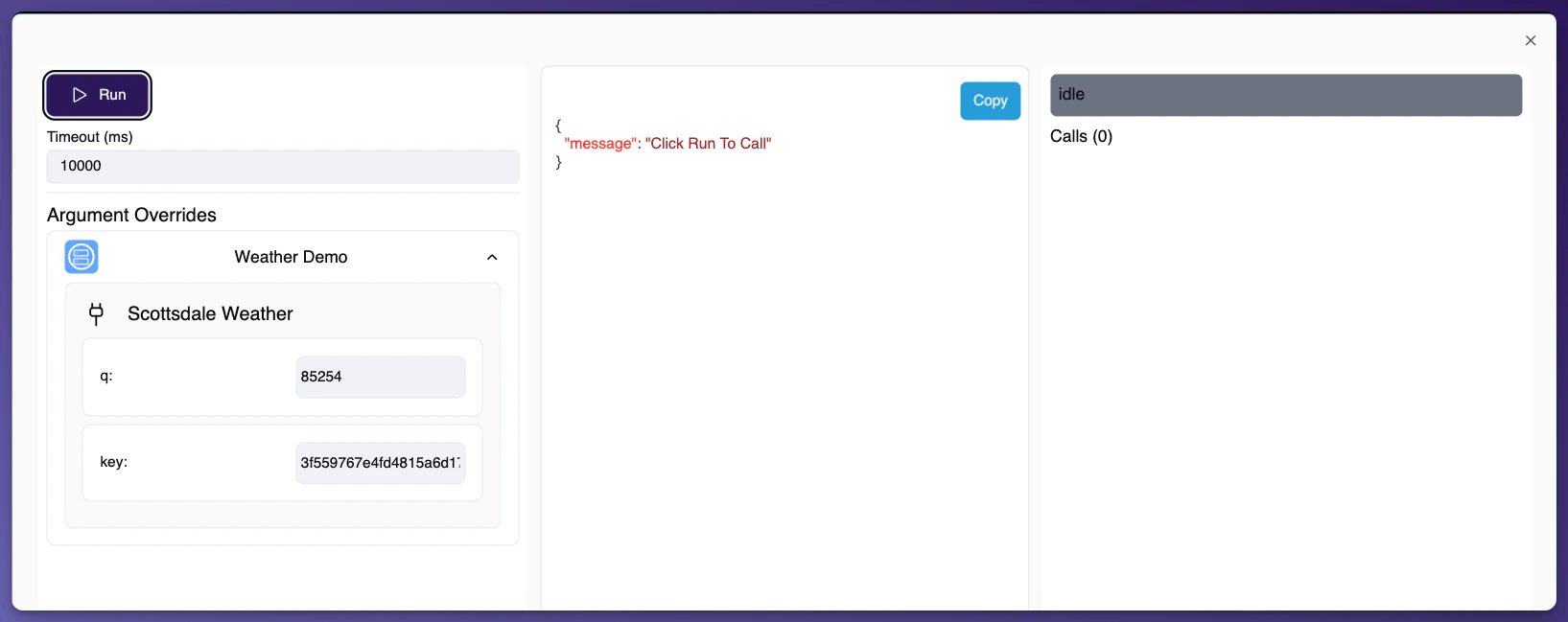
Click that blue button at the top right of your screen that says “Call”.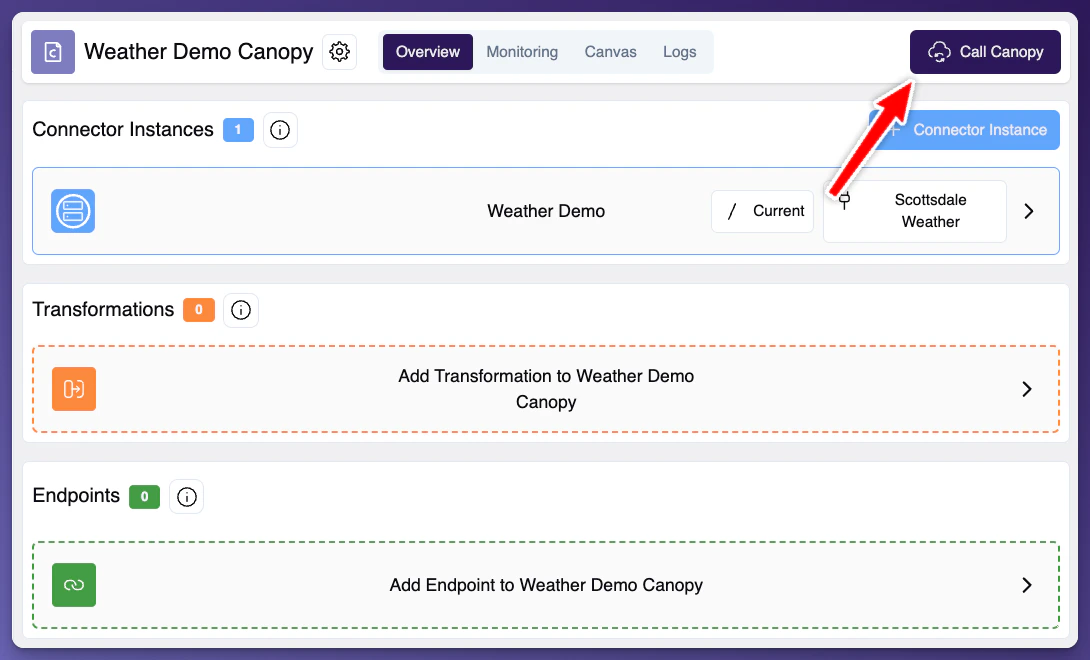
Assigning an Endpoint
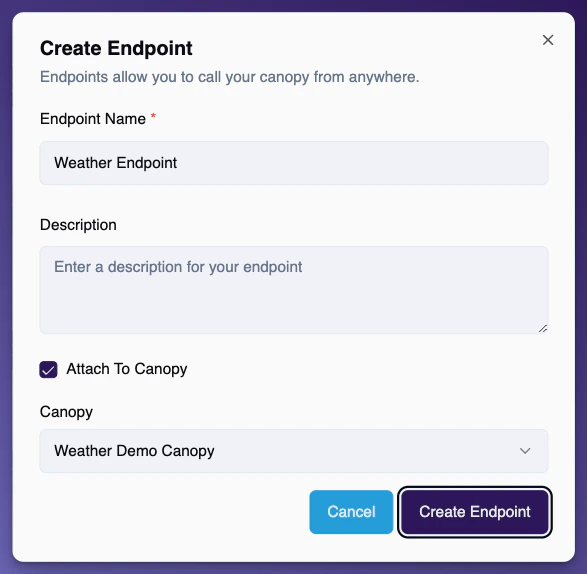
You can assign an endpoint to your Canopy by navigating to the Endpoint tab on the left sidebar and simply click ”+ Create Endpoint”