
Prerequisite Keep in mind an api you want to make a request to and have documentation ready for that api.
Introduction
In this tutorial, we will learn how to build a connector to access APIs. We will be using the OpenWeatherMap API as an example.What are Connectors?
Connectors allow users to interface with other services and databases. They act as intermediaries that manage the communication between Canopy and external APIs or databases. Once a connector is configured, it can be added to a Canopy project, along with one or many other connectors, to create a single payload that can later be consumed by a client.Step 1: Create a new connector
Under your organizations projects in the left side bar, click on the ”+ Create New” button and select “Connector” from the dropdown menu.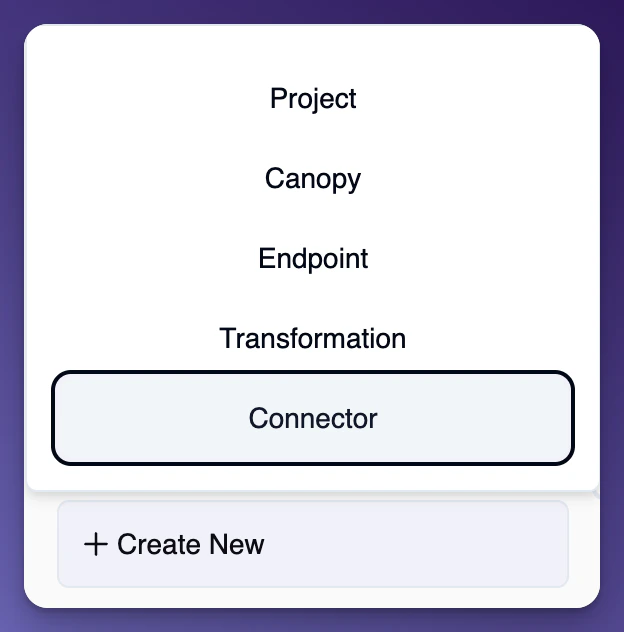
Step 2: Fill in connector info
Simply fill in the name and description (optional) for your connector and the base URL from the API docs. According to the OpenWeatherAPI the base url is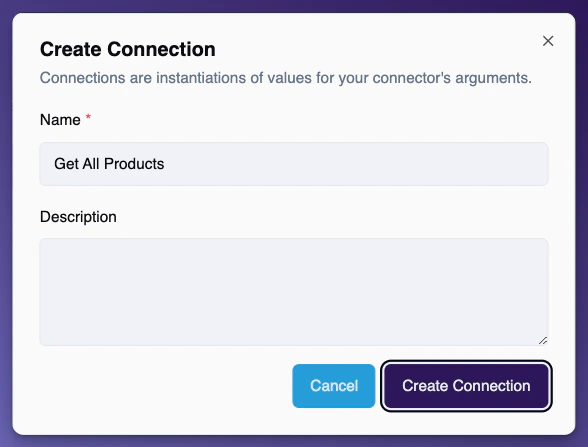
Add an Argument
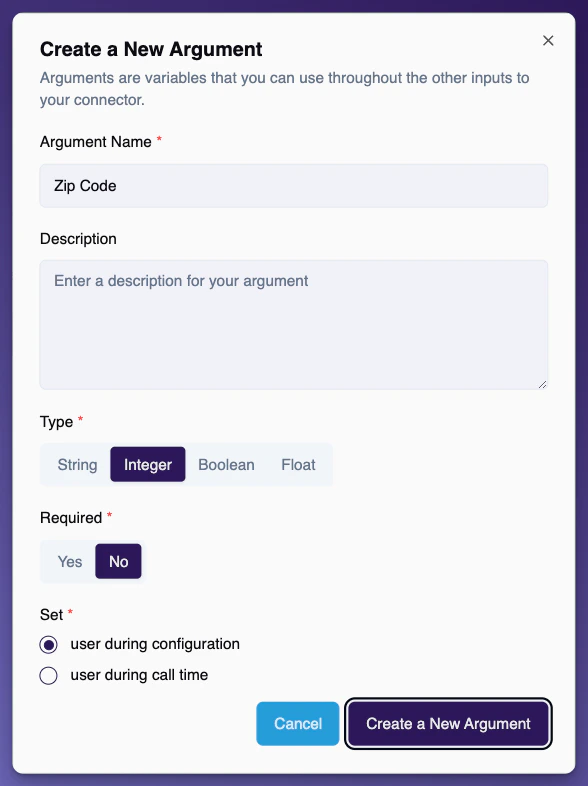
Arguments are variables that you can use throughout the other inputs to your connector. Arguments can be set to be certain values. You can use them inside of your connector or connector resource by enclosing them with curly braces{}.
Example: https://api.openweathermap.org/data/2.5/weather?q={city}&appid={api_key}
Add Key Values
Key Values give you the ability attach headers, cookies, and other extra information on requests to connectors. You can argument these key values to be used in other parts of the connector. Primarily used for HTTP Connectors.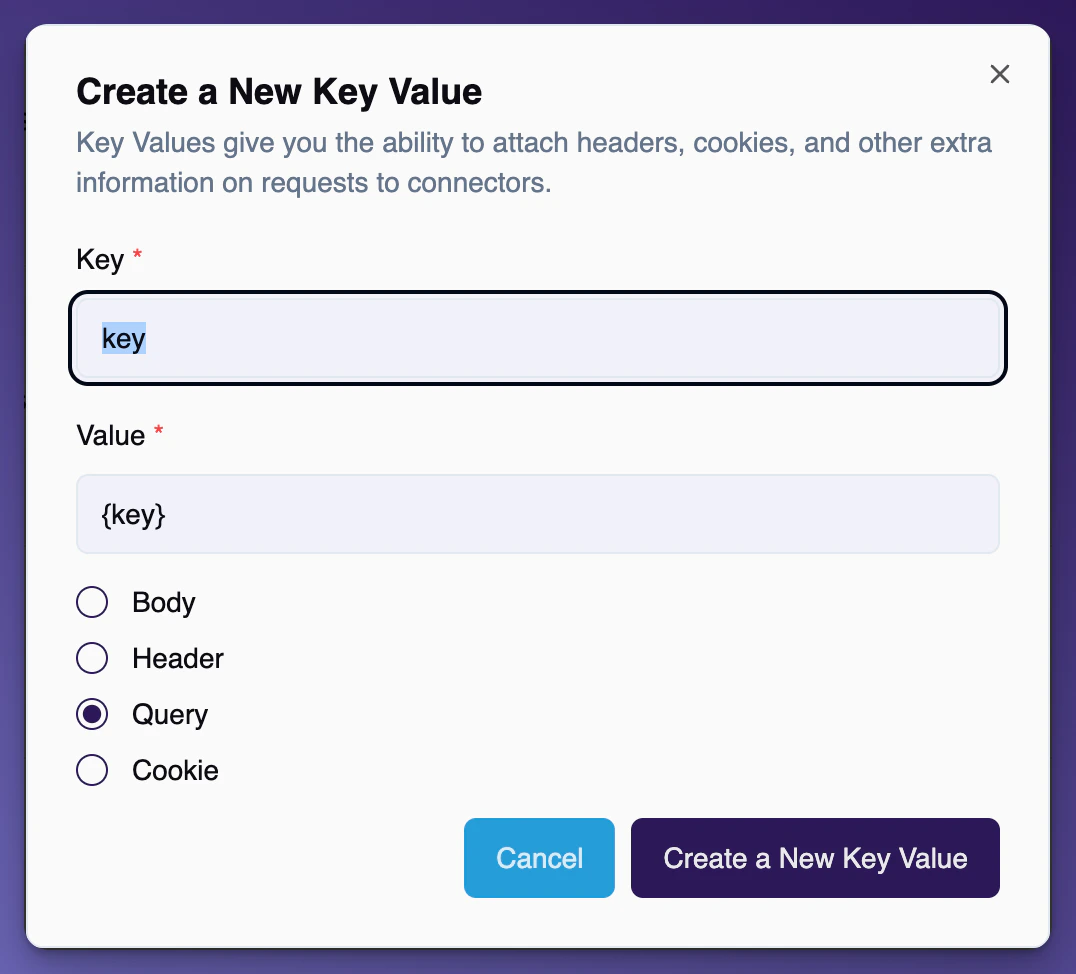
Add Connections
Connections are instantiations of values for your connector’s arguments. Canopy gives you the ability to set your arguments as you like. It is a common use case to set the connection to hold all values for an environment. Example: A connection for Production, Development, Staging, etc. would all have their own connection and values.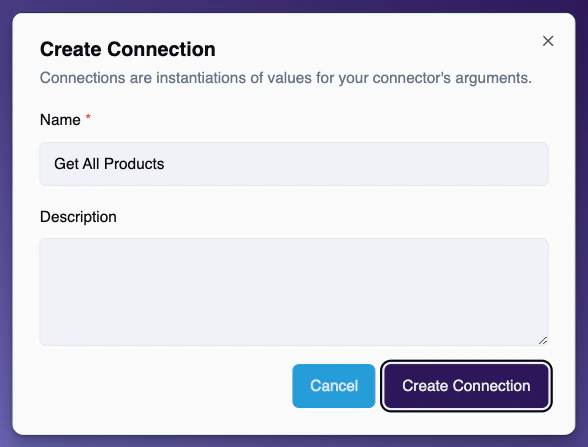
Add Resources
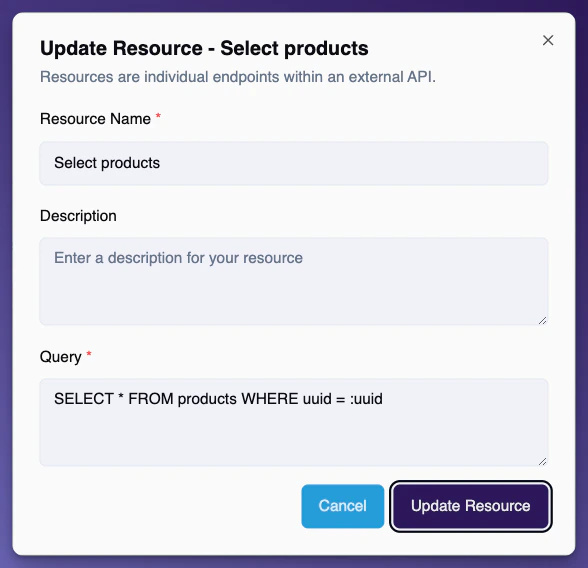
Resources are individual endpoints within an external API.SQL Connector Resources
These are SQL queries to execute on a database. Use named parameter syntax to insert arguments into the query. For example:SELECT * FROM users WHERE id = :id
Based off named parameters, Canopy will add those as required arguments to the connector resource.
What is a Connector Instance?
A Connector Instance is a single instance of a connector associated with a Canopy. When you add a Connector Instance instance to a Canopy, you select a resource and a connection. A resource in the context of an HTTP connector is usually a endpoint to an API, for SQL Connectors it is a SQL query.A connection can be thought of as a configuration for that Connector Instance. When you build a connector you create a connection and then you configure any arguments that you have defined in the connector.